Japan’s most popular rental pocket WiFi 【No. 1 in the industry for number of pickup locations!】
2026.01.27更新
Links on this site contain affiliate advertising.
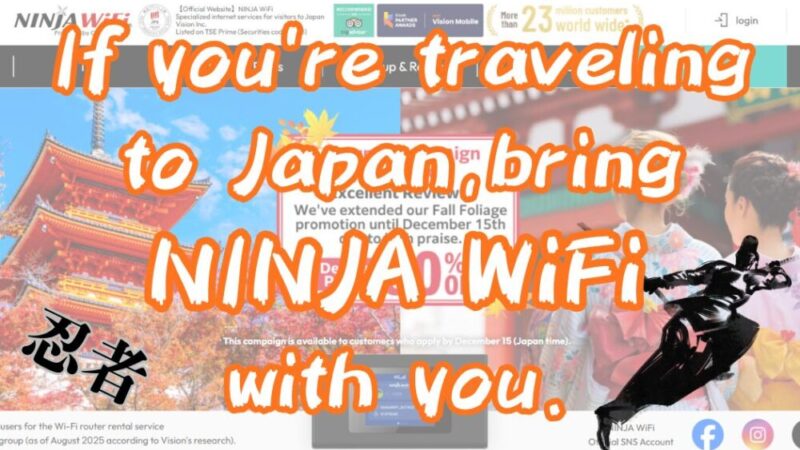
NINJA WiFi is known for its easy pickup at major airports and reliable support. NINJA WiFi is easy to set up and has a call center that is available daily. From what I’ve researched, there are many free WiFi spots in Japan, but in some cases only smartphones with Japanese contracts can connect.
In Japan, carrying pocket-sized rental WiFi makes traveling more comfortable and shopping more enjoyable. If you apply through my blog site, you will receive a 20% discount off the regular price, so I recommend it to anyone who wants to enjoy their trip in Japan comfortably.
Used by over 23 million people worldwide!
Three reasons why NINJA WiFi is being rented in Japan!
Easy to pick up and return
NINJA WiFi has the most locations in Japan where you can pick up and return your WiFi router. You can pick up your device at the airport or degisngated counter free of charge, making it very convenient.
It doesn’t matter if the pick-up location and return location are different. You can even have the router delivered to your hotel, so you can connect to WiFi before heading out.
Easy to use with dependable support that allows you to use it just by turning on the power
The WiFi router is ready to use as soon as you turn it on. It features a touch panel, making operation intuitive and easy. The NINJA WiFi call center is open every day from 10:00 to 19:00 (JST), so if you have any questions, they will be happy to assist you.
About NINJA WiFi rental routers
NINJA WiFi offers two types of WiFi routers for rent: “SoftBank 4G” and “docomo 5G”. We will explain the features of each.
More information about SoftBank 4G
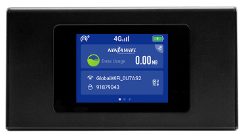
| Communication systems | 4G(4th Generation) |
| Model name | K4 |
| Telecommunications carrier | SoftBank |
| Communication Method | SoftBank 4G LTE/SoftBank 4G |
| Communication speed (theoretical value) | Download (receiving): Maximum 50Mbps Upload (sending): Maximum 150Mbps |
| Price | 1GB per day plan : 440 yen/day 3GB per day plan : 770 yen/day 5GB per day plan : 1,100 yen/day 10GB per day plan : 1,320 yen/day Infinite Unlimited Plan : 1,980 yen/day |
| Size | about 126(W)×68(H)×12.1(D)mm |
| Communication restrictions | Yes (1GB-10GB/day plans only) If the daily data limit is exceeded, data speed will be limited to 128kbps. |

Check here for SoftBank network coverage areas!
Is your destination within the SoftBank 4G LTE/SoftBank 4G area?
To ensure you enjoy your important trip, don’t just decide based on price, be sure to check carefully before you travel.
More information about docomo 5G
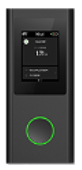
| Communication systems | 5G(5th Generation) |
| Model name | U50 |
| Telecommunications carrier | docomo 5G |
| Communication Method | SoftBank 4G LTE/SoftBank 4G |
| Communication speed (theoretical value) | Downstream (receiving): up to 20Gbps Upstream (sending): up to 10Gbps |
| Price | 5G Unlimited Plan: 2,200 yen/day |
| Size | about 68(W)×151.5(H)×14.3(D)mm |
| Communication restrictions | Only applicable in cases of excessive use or illegality |
Check out docomo’s coverage area here!
docomo’s coverage area is wider than SoftBank’s, and they offer faster connection speeds.
docomo offers easy connection even in mountainous and rural areas!
You can only apply for NINJA WiFi on the official website!
I did some research on where you can sign up for NINJA WiFi, and it turns out the only place to do it is through the official website.
If you sign up through my blog, you can get 20% off the regular price, so I recommend exploring this opportunity.
Used by over 23 million people worldwide!
How to rent docomo 5G
NINJA WiFi can be delivered to your hotel or accommodation. We arrange for it to arrive the day before your arrival in Japan, so you can enjoy your trip with peace of mind. You can also collect your WiFi router at the airport or use the Smart Pickup option.
Here are the steps from applying for a WiFi router to getting connected.
Since I live far from the airport, I chose to have mine delivered by courier this time.
- Submit the application form on the official website
- Pay by credit card
- Pick up your router at the airport, a desingated counter, or have it delivered
- Enjoy unlimited WiFi throughout your trip
- Once you’re done using it, return it at the airport, at the pickup counter, or by courier.
1.Submit the application form on the official website
Select your preferred WiFi router model, pick-up location, return method, and other options.
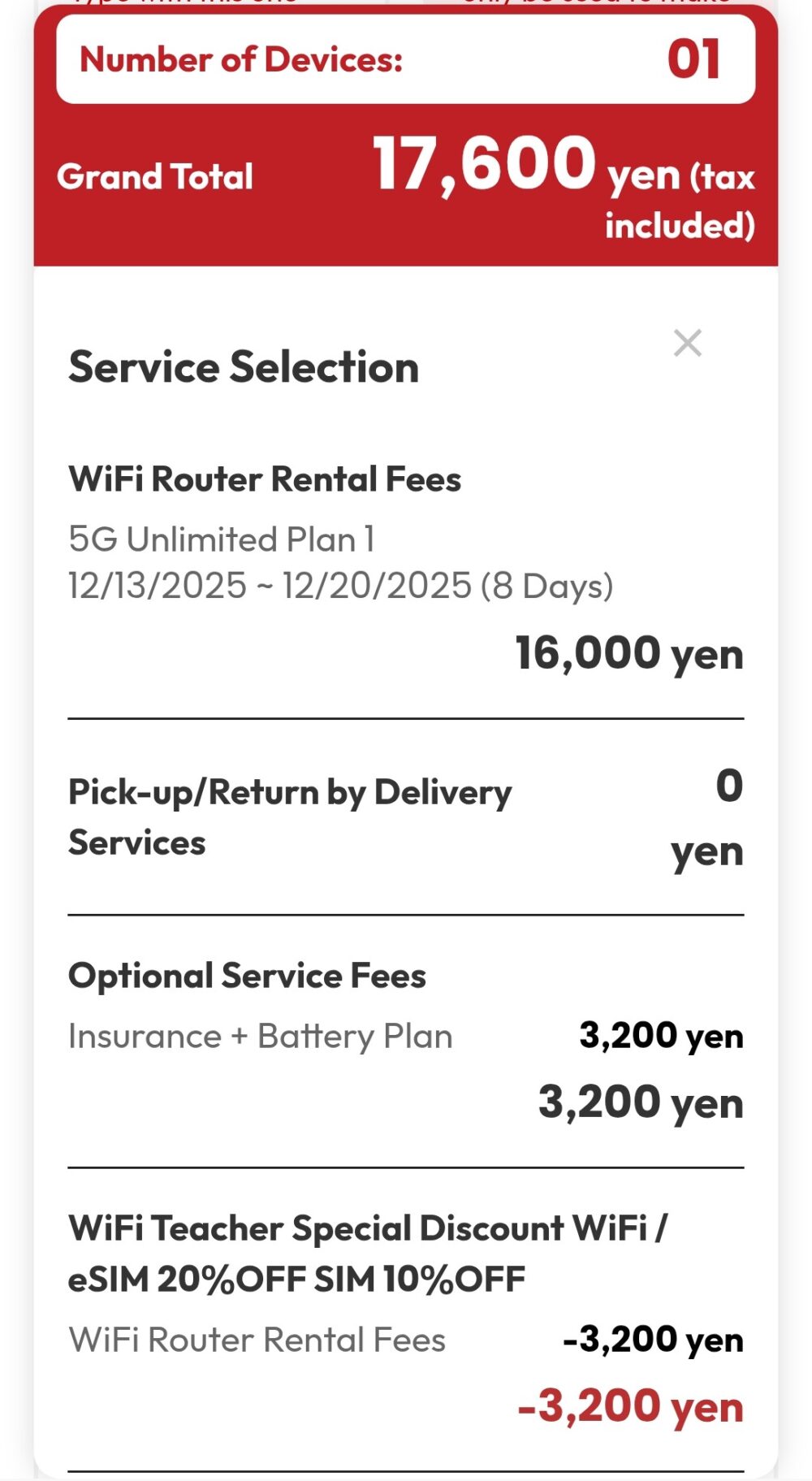
Please check the price confirmation screen to see if the 20% discount has been applied!
2.Pay by credit card
Payment is made by credit card, so be sure to enter your information carefully to avoid any errors.
3.Pick up your router at the airport, a desingated counter, or have it delivered
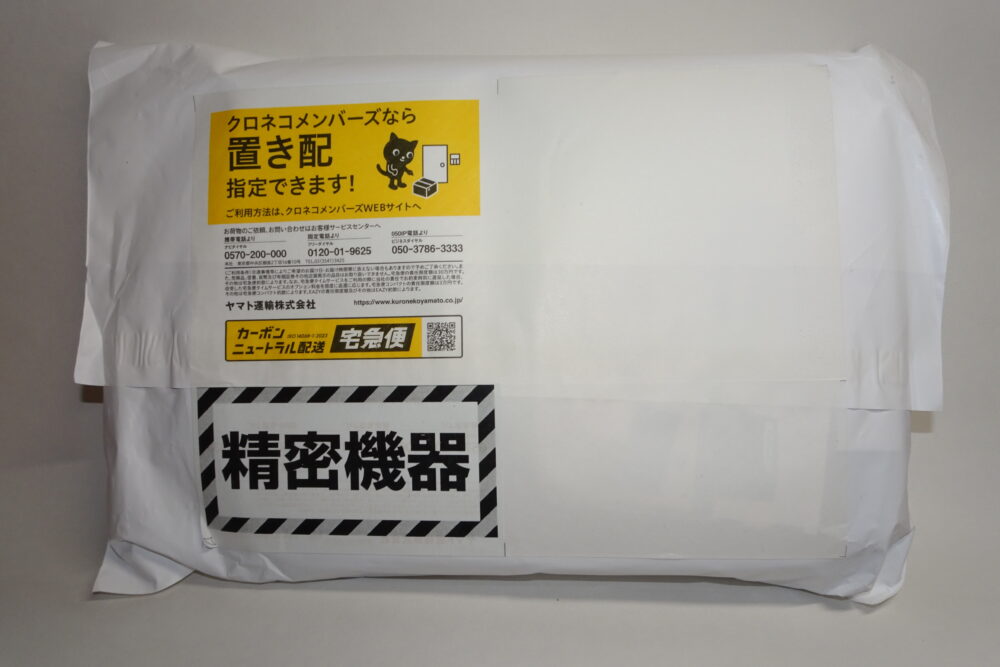
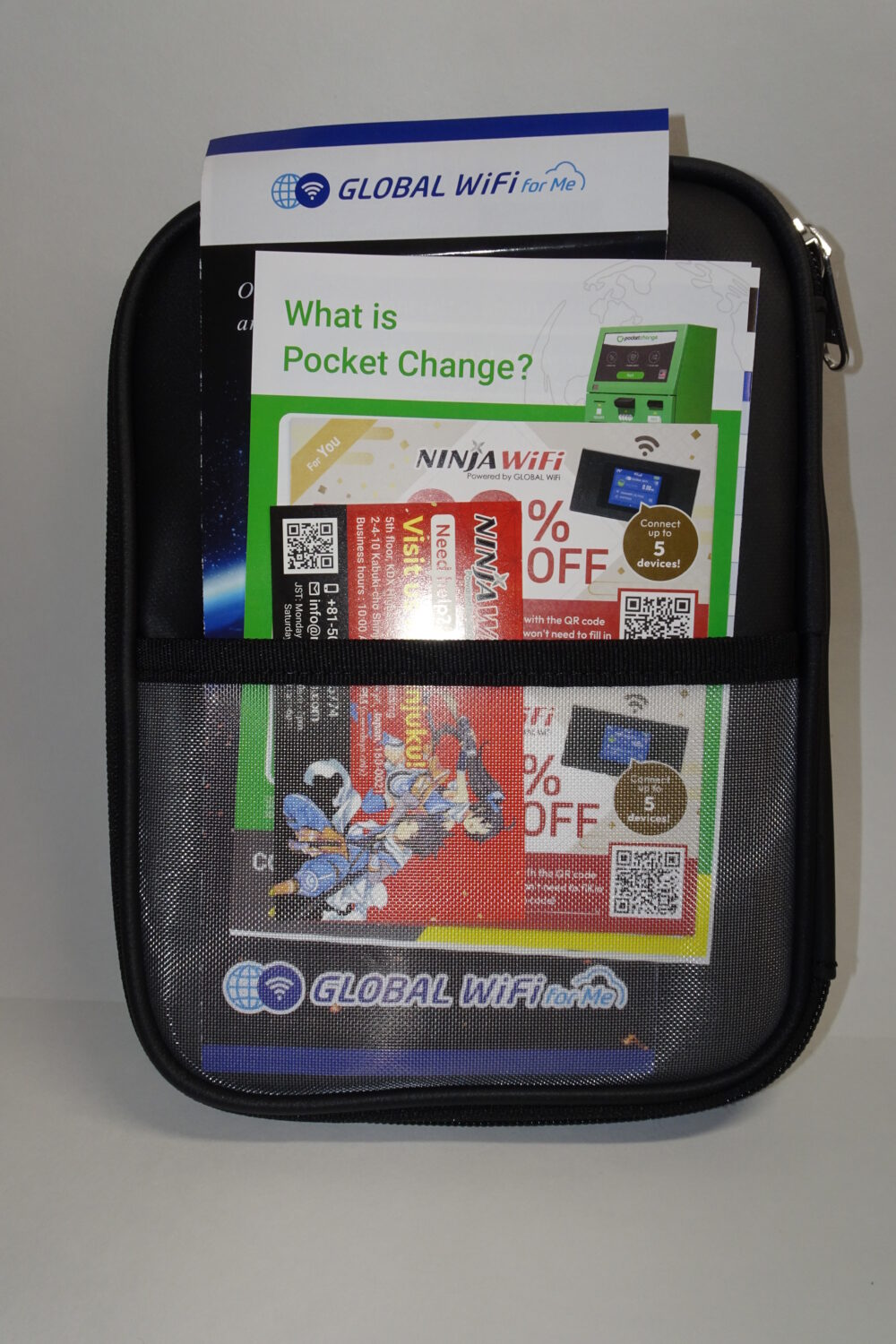
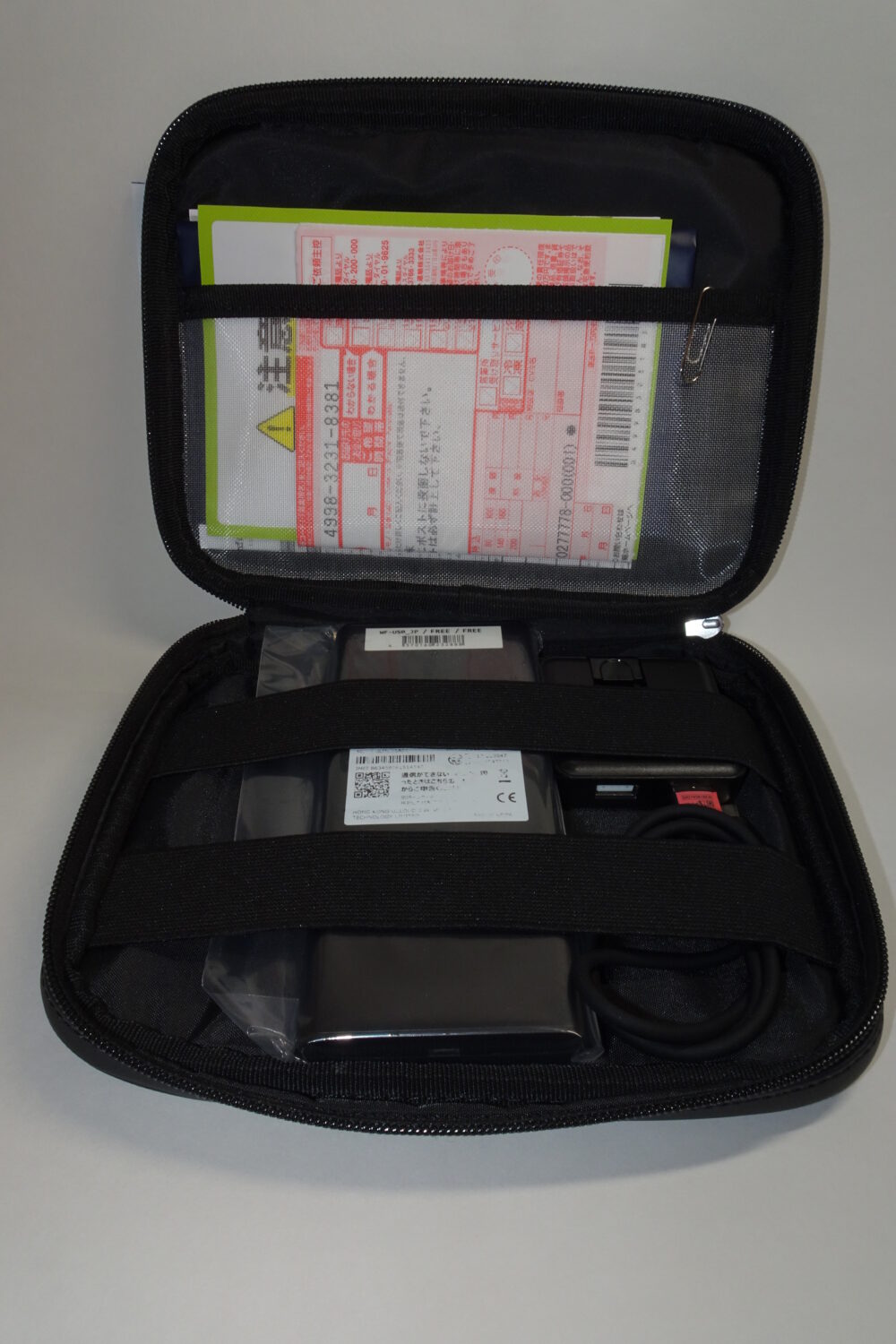
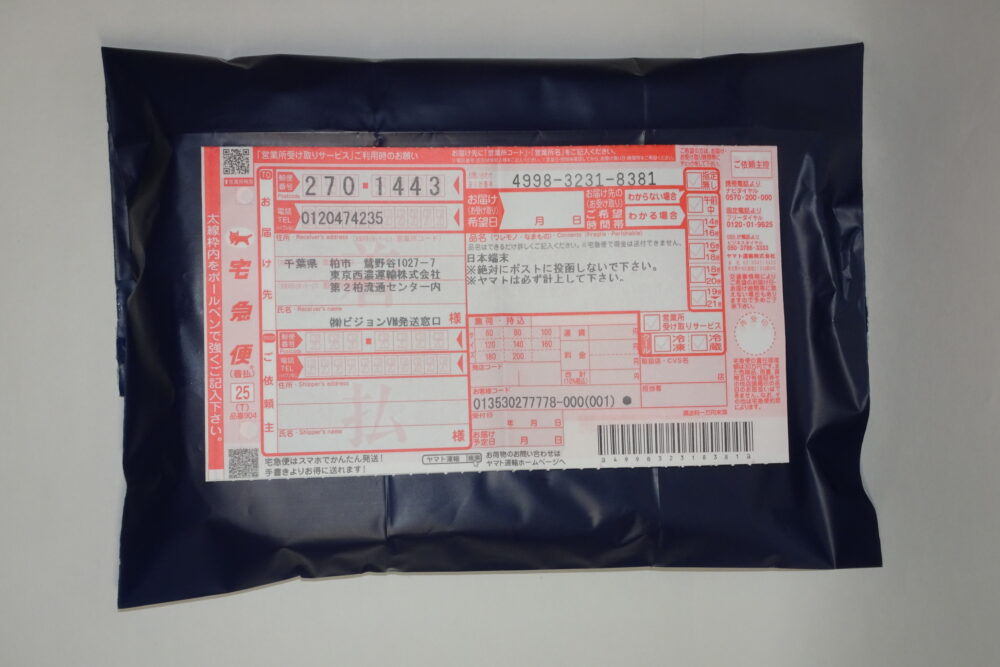
Collect your router at the location and date you selected. If you have selected courier delivery, it will be delivered as shown in the image below.
4.Enjoy unlimited WiFi throughout your trip
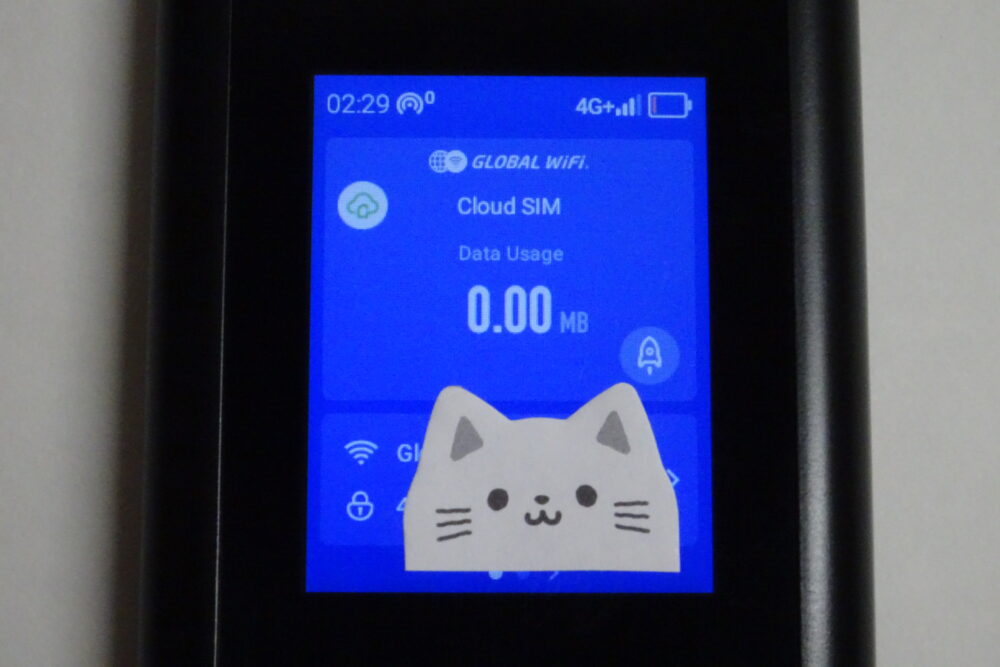
The access point and password are displayed at the bottom of the touch panel. Simply select the access point on your smartphone, tablet, or PC and enter the password to connect.
*In the image below, the password has been hidden by a cat sticker.
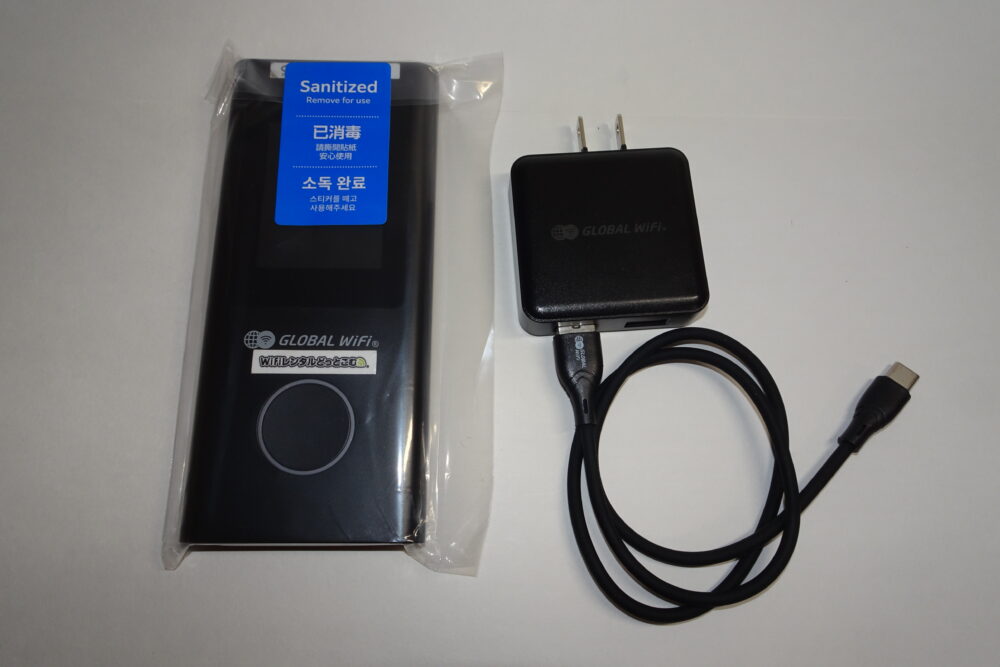
There are labels “GLOBAL WiFi” and “WiFi Rental.com”, but don’t worry, this is because the same devices are also provided to Japanese customers.
5.Once you’re done using it, return it at the airport, at the pickup counter, or by courier.
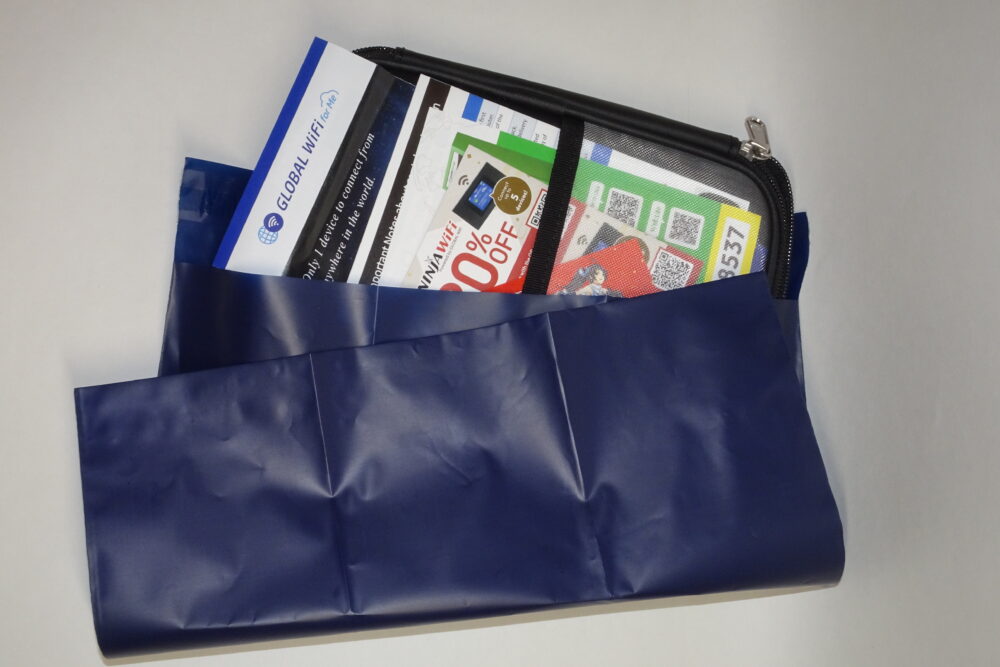
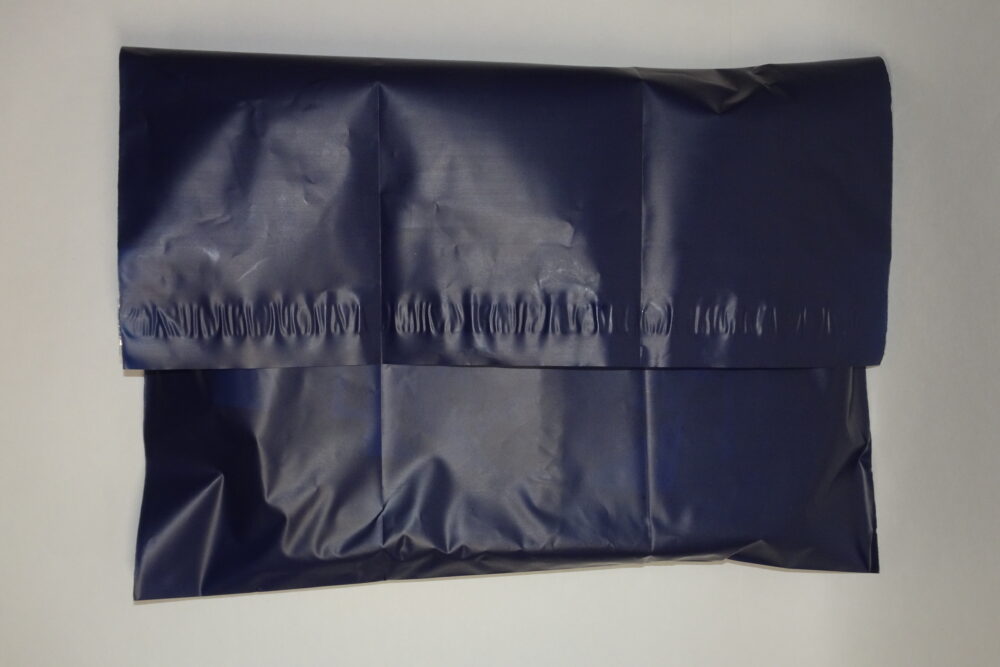
If you are returning the item via courier service, a special return bag will be included. Close the lid tightly, attach the return slip, and return If you return it at the airport counter, make sure to bring it before proceeding to the security checkpoint.
Used by over 23 million people worldwide!
NINJA WiFi FAQ
Here are some frequently asked questions about NINJA WiFi. Please check them out before purchasing.
Is there a daily data limit on an Infinite unlimited Plans?
If excessive data usage of 10GB per day or 300GB per month is detected, your connection speed may be restricted to avoid network congestion.
Streaming 4K videos or playing high-definition games can consume large amounts of data, so please be cautious if you plan to use data-intensive services.
How many devices can be connected?
You can connect up to five devices to one WiFi router. However, connecting all five devices at once may result in unstable performance. For smoother communication, we recommend using only two or three devices.
If you need to connect four or more devices regularly, renting a second WiFi router is advised.
What are the procedures and fees if I want to extend my stay?
You can extend the rental period by contacting the customer center. Please note that if you do not request prior to the reserved return date, the late refurn fee of 1,617 yen per day × the number of extra days will be charged.
If the daily cost of your plan (such as an Infinite unlimited plan) exceeds 1,617 yen/day, the extension fee will be calculated based on your contracted daily rate plus any optional add-on fees (such as insurance), multiplied by the number of additional days.
What if I forget to return and bring the device home?
If you are returning the product from overseas, please fill out the return shipping slip as follows. If you have any concerns, please call the call center (+81-50-8882-5774).
| Receiver | Vision inc |
| Company | Vision inc |
| Address | C・D area 1027-7 WASHINOYA, NO 2 Kashiwa Distribution Center, Kashiwa-city, Chiba, JAPAN |
| ZipCode | 270-1443 |
| Phone | 81-50-5893-8021 |
Note: Please add the “No Commercial Value” item in the remarks section.
What if I want to cancel my reservation?
You can cancel free of charge up to 4 days before the departure date on My Page. Payments made 3 days or more before the pick-up date are as follows:
Customers without cancellation protection option: 100% of the rental amount
Customers with cancellation protection option: Cancellation insurance fee only
Please note that refunds are not available if you shorten the rental period after departure.
If you cancel, the refund will be made through your credit card company. The refund will be made the following month or the month after. For details on the date and time, please contact your credit card company.
What languages does the call center support?
NINJA WiFi’s call center, +81-50-8882-5774, only supports English. If you would like to inquire in Chinese, please use email (info@ninjawifi.com). Email inquiries made after 7 PM will be replied to the next day. We usually reply within the same day, so please feel free to contact us.
Used by over 23 million people worldwide!
Useful WiFi tips to know
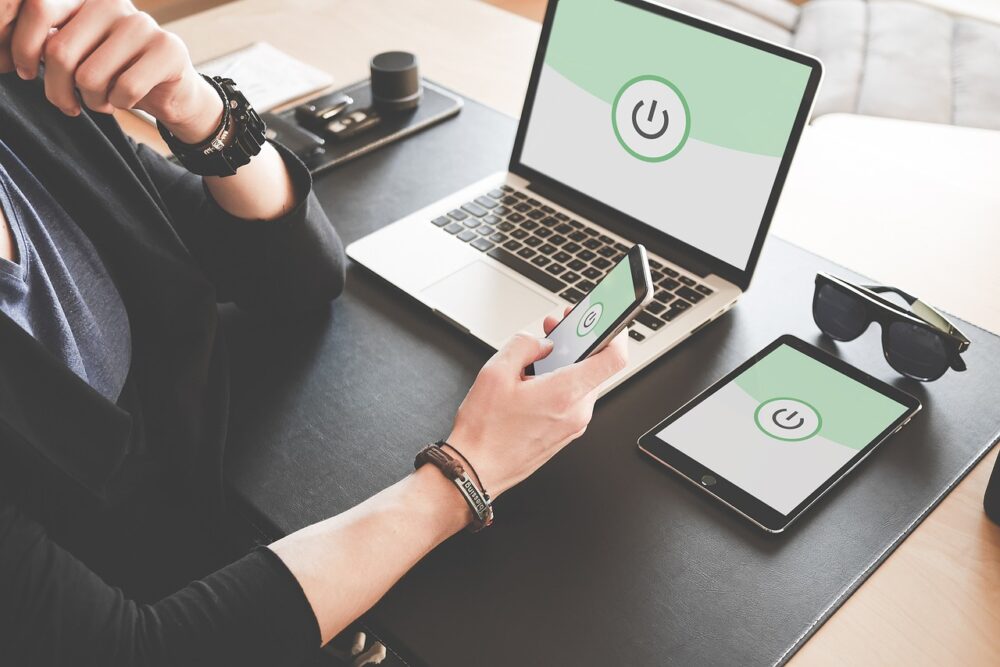
In Japan, you can use packet communications by renting a WiFi network, or by signing up for a SIM card or eSIM.We’ll explain in detail how to use WiFi and SIM/eSIM.
How to distinguish between WiFi and SIM/eSIM
In Japan, you can use packet communications by renting a WiFi network, or by signing up for a SIM card or eSIM. We’ll explain in detail how to use WiFi and SIM/eSIM.
| Number of connectable devices | setting | Required equipment | |
|---|---|---|---|
| NINJA WiFi | 5 units | easy | WiFi router |
| SHOGUN SIM | Only 1 unit | hard | SIM-free smartphone |
| NINJA eSIM | Only 1 unit | easy | eSIM-compatible smartphones |
Explaining free WiFi spots in Japan
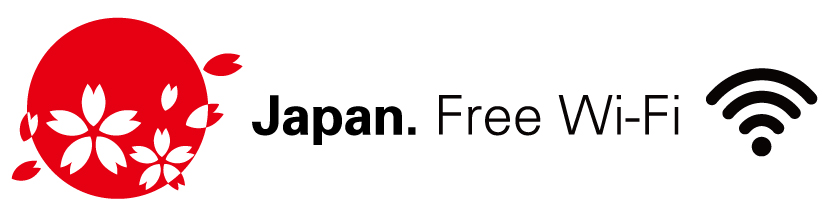
There are free WiFi spots in Japan, such as at airports, train stations, and convenience stores. The following mark is displayed in places where it is available.
» Search for WiFi spots on the Japan.Free WiFi website
Introducing the dangers of free WiFi in Japan
When using free WiFi in Japan, be aware of the following risks.
Most free WiFi spots have unencrypted, open connections, so your communications may be eavesdropped on.
Malicious third parties may set up access points disguised as “Free WiFi,” which can be difficult even for Japanese people to spot. Spoofed access points can lead to the theft of your personal information.
If you enter your bank or credit card information, it may be intercepted.
Enjoy year-round support!
NINJA WiFi is the perfect choice for sightseeing in Japan
Free WiFi spots are still limited in Japan, so renting a pocket WiFi device is highly recommended. With a completely unlimited plan, you can search for delicious restaurants and beautiful tourist spots without worrying about data usage.
It’s also reassuring to have daily support available in case of an emergency. When visiting Japan, consider renting NINJA WiFi, and don’t forget to take advantage of the 20% discount.
Used by over 23 million people worldwide!